Local browser tool to clean image metadata
Clean image metadata in your browser — free local photo privacy cleaner
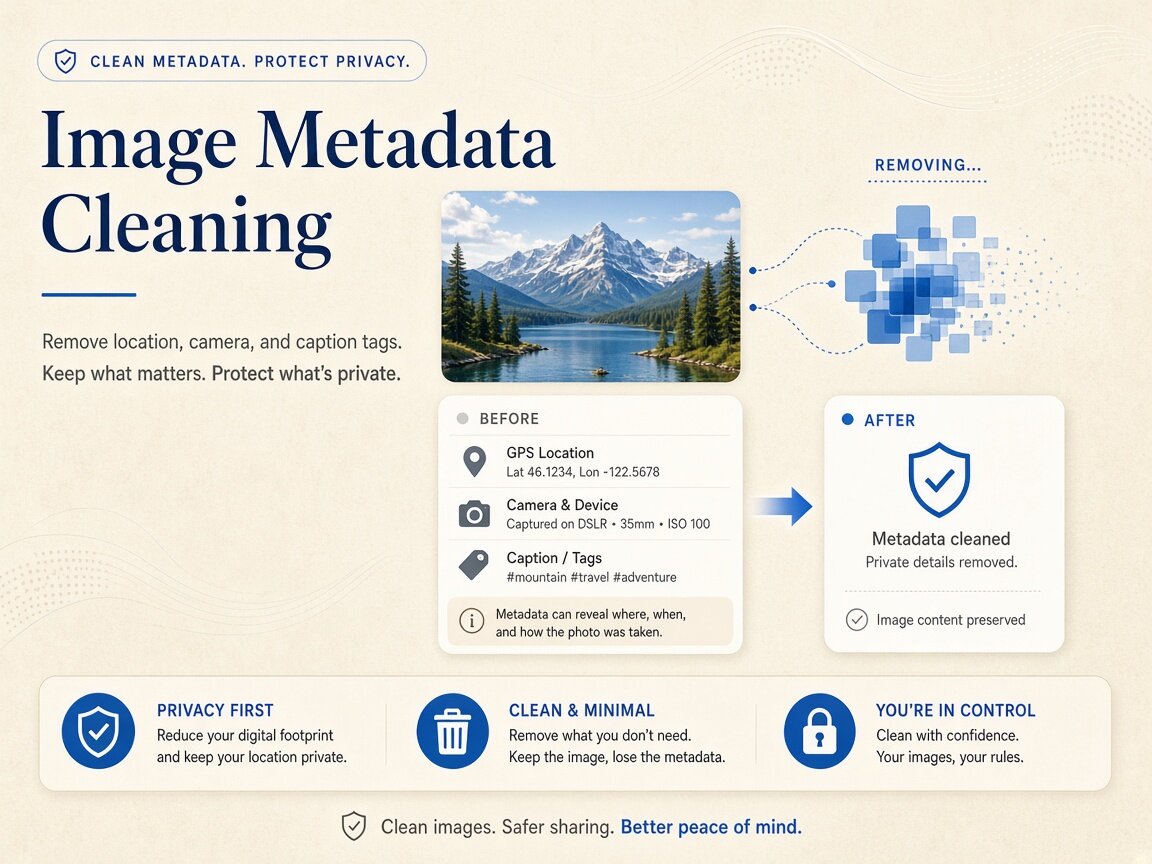
Need to clean image metadata before publishing web graphics, product galleries, or social uploads? Every photo exported from a phone, camera, or design app carries hidden EXIF camera logs, GPS coordinates, XMP editing history, IPTC credits, and C2PA provenance containers. Our browser workspace lets you clean image metadata directly on your device without uploading files to an external server. You can clean image metadata across single pictures or twenty-file batches, inspect embedded markers in Detect mode first, and download clean derivatives or a consolidated ZIP archive. Every clean image metadata pass stays 100% local in browser RAM.

Remove AI & privacy metadata from photos
Files never leave your device. JPEG, PNG, WebP, AVIF, HEIC, Camera RAW · free batch up to 20 + ZIP. RAW decodes locally via libraw → clean JPEG (≤80 MB).
or drag and drop here
HEIC / AVIF / Camera RAW decode locally and export as clean JPEG. RAW uses libraw-wasm in your browser (drops container metadata; does not rewrite proprietary RAW bytes).
Fingerprint protection is on by default: cleaned images get a light pixel-level noise (perceptual hash changes; usually invisible). Uncheck it or choose "Preserve original pixels / quality" for a metadata-only strip when possible.
What
What happens when you clean image metadata
Modern raster formats—including JPEG, PNG, WebP, AVIF, and Apple HEIC—pack multiple non-visual data blocks around the actual picture pixels. When you clean image metadata in this local workspace, the browser removes EXIF camera settings, GPS latitude and longitude pins, XMP edit trails, IPTC contact fields, PNG text chunks, and C2PA/JUMBF provenance boxes in a single pass. Creators and teams search for a way to clean image metadata when they want one unified workflow that handles phone photos, studio exports, and AI-assisted artwork alike. Because you clean image metadata inside a client-side HTML5 Canvas and WebAssembly pipeline, your original files never leave your hardware. Using clean image metadata locally keeps your master files private.
- Clean image metadata across EXIF, GPS, XMP, IPTC, and C2PA/JUMBF containers
- Clean image metadata on JPEG, PNG, WebP, AVIF, HEIC, and Camera RAW files
- Strip PNG tEXt and iTXt prompt parameters alongside Adobe XMP document history
- Optional fingerprint-protection pixel noise when you clean image metadata
- Honest boundaries: clears file containers locally; does not remove SynthID pixels
- Batch queue to clean image metadata on up to 20 pictures with local ZIP export
Multi-format support
How different photo formats behave when you clean image metadata
Each image format stores hidden records in its own binary layout: JPEGs use APP1 and APP11 markers, PNGs use eXIf, tEXt, iTXt, and caBX chunks, WebP files use RIFF EXIF/XMP chunks, and HEIC/AVIF files use ISO Base Media File Format item properties. Trying to remember separate command-line flags for every extension slows down production. When you clean image metadata in our browser tool, standard JPEG, PNG, and WebP files are stripped natively, while HEIC, AVIF, and Camera RAW files decode locally and export as clean, high-compatibility JPEGs. You can clean image metadata across mixed-format folders in one drag-and-drop session.
- Clean image metadata from JPEG APP1 EXIF/XMP and APP11 JUMBF segments
- Clean image metadata from PNG eXIf, tEXt, zTXt, iTXt, and caBX chunks
- Clean image metadata on WebP RIFF containers while preserving transparency
- Decode HEIC, AVIF, and RAW locally to clean image metadata into standard JPEG
Pixel & hash control
Balancing pixel fidelity and hash privacy when you clean image metadata
Sometimes you want to clean image metadata while keeping every RGB pixel value untouched for color-critical design work; other times you also want to shift the picture's perceptual hash against automated reverse-image indexing. Our workspace puts that choice right above the queue. By default, when you clean image metadata, a subtle, visually imperceptible pixel-noise pass shifts perceptual hashes alongside the header strip. If your workflow requires strict pixel preservation, simply uncheck the fingerprint toggle before you clean image metadata and export a pure container-stripped derivative.
- Keep default pixel noise on when you clean image metadata for public forums
- Uncheck fingerprint protection to clean image metadata with strict pixel fidelity
- Audit before and after results in Detect mode once you clean image metadata
- Archive untouched master files offline and clean image metadata on web copies
Why
Why clean image metadata locally in the browser

Zero cloud uploads when you clean image metadata
Web-based converters typically upload your photos to remote storage buckets. Here you clean image metadata entirely in local browser memory so client assets and personal albums stay on your device. Choose clean image metadata for zero cloud uploads.
One pass for camera, location, and AI containers
Instead of chaining separate utilities for EXIF, GPS, XMP, and C2PA boxes, you can clean image metadata across all of those container layers simultaneously. Run clean image metadata for thorough binary container hygiene.
Transparent scope with no false watermark claims
When you clean image metadata, we strip file headers and container segments honestly while clarifying that pixel-embedded watermarks like SynthID are never altered. Trust clean image metadata for transparent technical boundaries.
20-file batch queue with instant ZIP download
Drop up to twenty mixed-format pictures at once, clean image metadata across the entire set in seconds, and save individual files or a single ZIP bundle. Execute clean image metadata in fast multi-file browser batches.
How
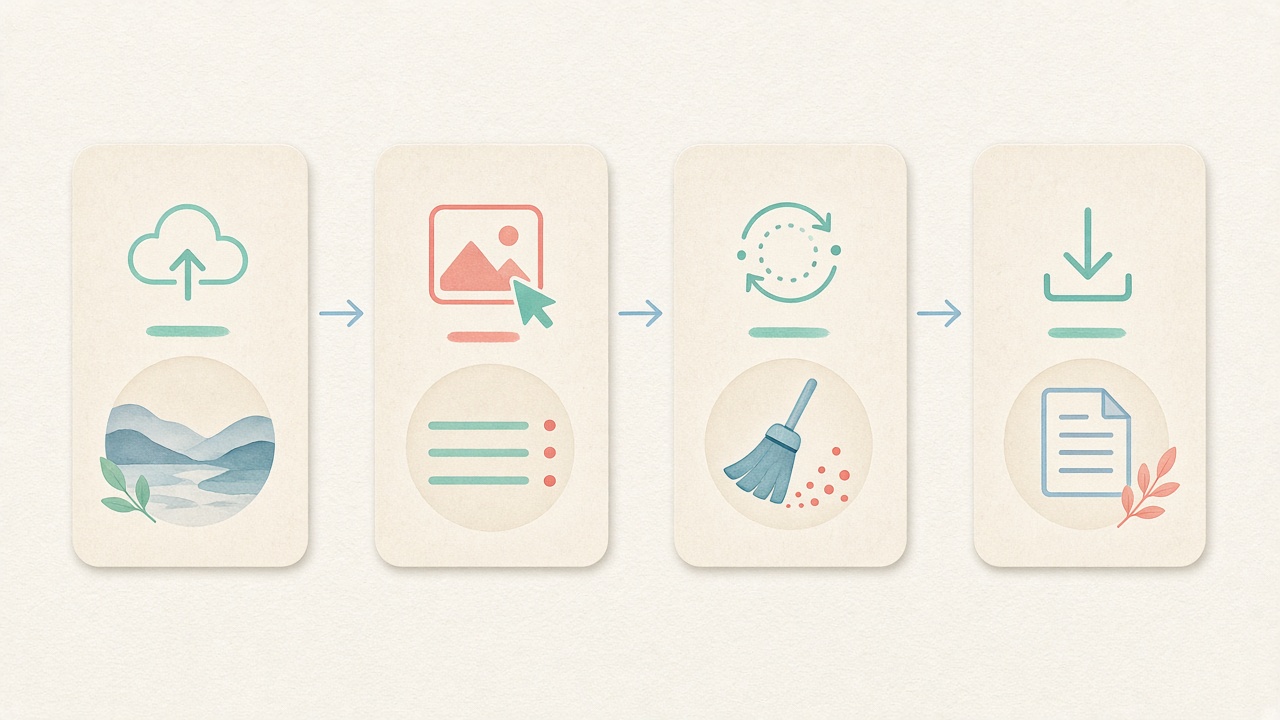
How to clean image metadata step by step
- Step 1
Open the embedded image cleaner
Use the workspace on this page to clean image metadata right away in your browser with no account signup. Start clean image metadata directly inside this page.
- Step 2
Set your fingerprint protection preference
Leave default light pixel noise enabled or uncheck it for a strict header-only pass when you clean image metadata. Configure clean image metadata options before processing.
- Step 3
Drag and drop up to 20 pictures
Add JPEG, PNG, WebP, AVIF, HEIC, or Camera RAW files to the queue and review detected tags before you clean image metadata. Inspect tags before running clean image metadata locally.
- Step 4
Save clean images or a ZIP archive
Click clean to clean image metadata locally on your device, then download individual files or a bundled ZIP package. Save clean derivatives after clean image metadata finishes.
Use cases
Who needs to clean image metadata before publishing

E-commerce & catalog managers
Product photos shot on phones or studio rigs carry GPS pins, serial numbers, and editing history. Merchandisers clean image metadata in batches before uploading store catalogs.

Web designers & front-end engineers
Bloated XMP ancestor logs and embedded color previews inflate page weight. Development teams clean image metadata prior to committing static site assets.

Photographers & retouching studios
Delivering clean client proofs without exposing internal Lightroom presets or tether paths is simple when studios clean image metadata locally before export.

Digital artists & AI creators
Exported PNGs and JPEGs from creative suites often hold prompt strings and JUMBF manifests. Creators clean image metadata on local derivatives before sharing portfolios.

Corporate communications & PR desks
Press release imagery should not leak internal author names, workstation paths, or office coordinates. PR teams clean image metadata in the browser before media distribution.

Everyday privacy-conscious users
Sharing photos in community forums, dating profiles, or classified boards is safer when you clean image metadata on your phone or laptop first.
Voices
What people say
Illustrative examples for layout — not verified customer reviews. No star ratings.

Maya R.
Product photographer
“I needed GPS gone before client galleries. Local batch + ZIP is exactly what I wanted.”

Jordan K.
Etsy seller
“Phone photos had home coordinates. Cleaning in the browser means I never upload originals to a random site.”

Alex T.
Social designer
“Clear about C2PA containers vs SynthID. I use Detect first, then Clean — no surprise claims.”

Sam L.
Freelance editor
“Fingerprint protection on by default is nice for reverse-image risk; I turn it off when pixels must stay exact.”

Riley P.
Content creator
“Video and PDF in the same local tool means I am not juggling three upload sites for one launch.”

Casey M.
Marketplace ops
“Batch-cleaning GPS before listing photos is now a fixed checklist step. Free limits cover our small team.”
Related
Related guides & tools
- Open cleaner
Jump to the local workspace to clean image metadata.
- Clean metadata
Strip EXIF, GPS, C2PA containers locally.
- Detect markers
Inspect EXIF, GPS, and C2PA containers on-device.
- What is C2PA?
Content Credentials containers explained honestly.
- What is SynthID?
Why metadata tools cannot remove pixel watermarks.
- Instagram metadata
Privacy before you post.
Ready to clean image metadata in your browser?
Use the embedded local workspace above to clean image metadata across EXIF, GPS, XMP, and C2PA containers — free, private, and with batch ZIP download.
FAQ
Frequently Asked Questions About How to Clean Image Metadata
- Can I clean image metadata without uploading my pictures to a remote server?
- Yes, you can clean image metadata completely offline inside your browser once this page is open. All tag detection, container removal, and image reconstruction run in local device memory using HTML5 Canvas and WebAssembly. Your photographs never leave your computer or phone. Every clean image metadata session works offline after page load.
- Which specific tag types are removed when I clean image metadata?
- When you clean image metadata in our workspace, the browser removes EXIF camera settings, GPS latitude and longitude coordinates, XMP editing histories, IPTC copyright/contact blocks, PNG text chunks (tEXt/iTXt), and C2PA/JUMBF provenance containers. Clearing every container family in one pass ensures no secondary tags remain behind. Running clean image metadata clears all targeted container blocks.
- What file formats can I drop into the tool when I clean image metadata?
- You can clean image metadata on JPEG, PNG, WebP, AVIF, Apple HEIC, and Camera RAW files (such as DNG, CR2, NEF, and ARW). While JPEG, PNG, and WebP export in their native formats, HEIC, AVIF, and RAW files decode locally in the browser and export as clean, widely compatible JPEG copies.
- Does choosing to clean image metadata affect picture resolution or sharpness?
- Pixel dimensions and visual sharpness remain intact when you clean image metadata. By default, our cleaner applies a subtle pixel-noise layer to alter perceptual hashes, which you can uncheck with one click whenever you want to clean image metadata with strict pixel preservation.
- Will my effort to clean image metadata also remove SynthID or pixel watermarks?
- No, choosing to clean image metadata only strips file-level header containers and structured tag blocks. Invisible pixel watermarks such as Google SynthID are embedded directly into pixel color values and cannot be removed by any header cleaner. We state this clearly so you always know our exact technical scope.
- Why do PNG exports from design or AI tools carry hidden text even without EXIF?
- PNG files often store generation parameters, workflow graphs, and software history inside uncompressed tEXt, compressed zTXt, or international iTXt chunks rather than classic camera EXIF. When you clean image metadata here, all non-essential PNG ancillary chunks and caBX boxes are stripped automatically.
- How many photos can I process at once when I batch clean image metadata?
- Our free browser queue lets you clean image metadata across up to twenty pictures per batch with no account or login wall. Once the batch finishes processing locally, you can save individual images or download a single consolidated ZIP archive.
- How can I confirm that all headers are gone after I clean image metadata?
- After you clean image metadata and download your cleaned file, switch to the read-only Detect mode and drop the exported image into the inspector. Detect scans the file locally in your browser and verifies that EXIF, GPS, XMP, IPTC, PNG text chunks, and C2PA containers are completely absent.
Privacy utility for files you hold locally. Choosing to clean image metadata strips header containers and tag blocks; it does not remove SynthID or pixel watermarks, does not perform cryptographic C2PA validation, and never guarantees platform labeling outcomes.