Local browser Twitter X metadata cleaner
Twitter X metadata cleaner in your browser — strip photo & clip tags before posting
Want to strip Twitter X metadata from your photos and short video clips before publishing a thread, replying in a discussion, or sending attachments in Direct Messages? While public timelines often re-encode standard uploads, platform pipelines evolve and original files shared across DMs, scheduling tools, or cross-posted feeds can still carry camera EXIF, residential GPS pins, C2PA credentials, and QuickTime container tags. Our browser workspace clears Twitter X metadata locally on your device so you control your file hygiene before anything touches the network. Every twitter x metadata pass stays 100% local in browser RAM. Every twitter x metadata pass stays 100% local in browser RAM.

Remove AI & privacy metadata from photos
Files never leave your device. JPEG, PNG, WebP, AVIF, HEIC, Camera RAW · free batch up to 20 + ZIP. RAW decodes locally via libraw → clean JPEG (≤80 MB).
or drag and drop here
HEIC / AVIF / Camera RAW decode locally and export as clean JPEG. RAW uses libraw-wasm in your browser (drops container metadata; does not rewrite proprietary RAW bytes).
Fingerprint protection is on by default: cleaned images get a light pixel-level noise (perceptual hash changes; usually invisible). Uncheck it or choose "Preserve original pixels / quality" for a metadata-only strip when possible.
What
How our local cleaner handles Twitter X metadata
When creators talk about Twitter X metadata, they mean the hidden header segments riding inside JPEG, PNG, WebP, HEIC, and MP4 files prepared for social posts—including EXIF capture timestamps, smartphone GPS coordinates, Adobe/AI XMP blocks, JUMBF C2PA manifests, and video encoder strings. Rather than guessing which fields a third-party ingestion server strips or retains on any given day, running a local pass in your browser removes Twitter X metadata from your outbound copies upfront. Photos re-encode cleanly via HTML5 Canvas (up to 20 per batch) and clips remux via `ffmpeg.wasm` (up to 3 clips, 100 MB each) without ever leaving your computer. Using twitter x metadata locally keeps your master files private.
- Clean Twitter X metadata from JPEG, PNG, WebP, AVIF, HEIC, and RAW photos locally
- Strip Twitter X metadata from MP4, MOV, and WebM video clips via ffmpeg.wasm
- Remove Twitter X metadata GPS coordinates, camera serials, XMP, and C2PA boxes
- Optional pixel-noise protection alongside stripping Twitter X metadata
- Batch up to 20 images or 3 clips to clear Twitter X metadata locally
- Honest Twitter X metadata scope: manages local headers; no badge guarantees
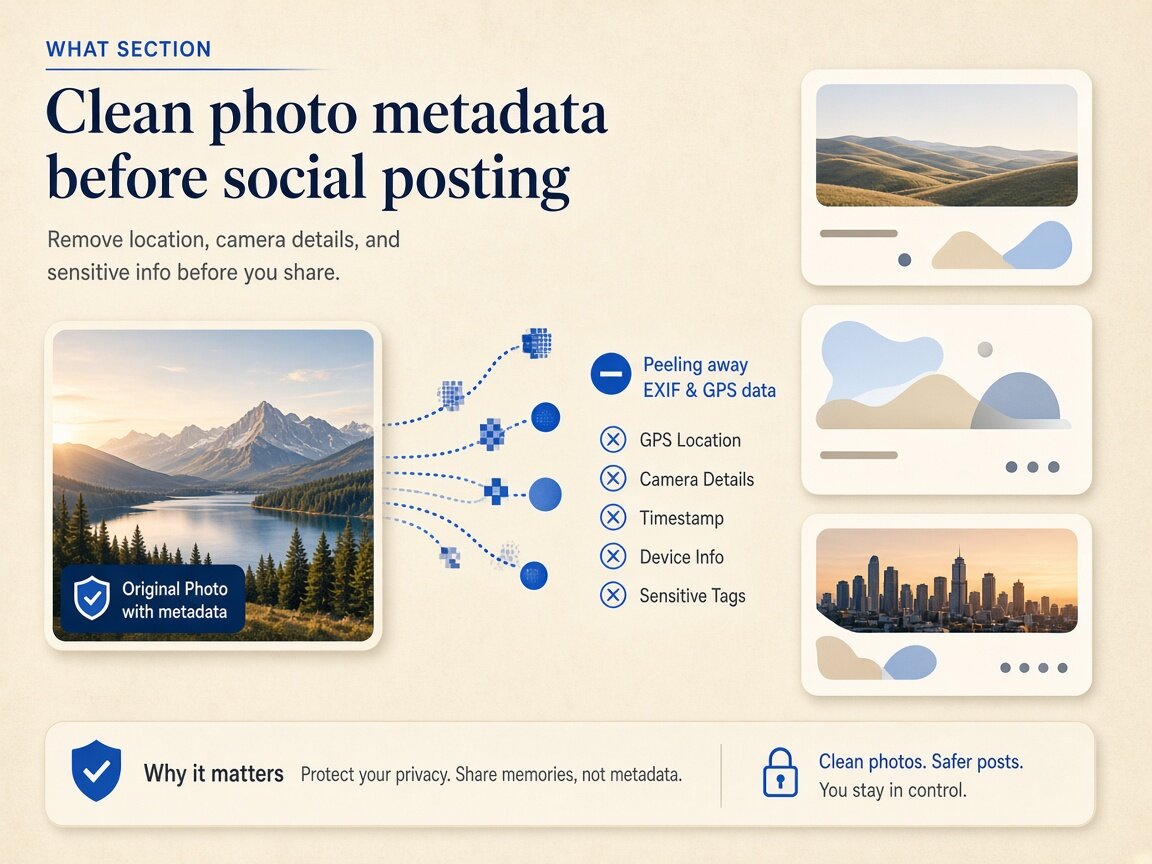
Timeline vs DM & schedulers
Why relying on server re-encoding for Twitter X metadata is risky
Many users assume social networks automatically scrub every tag upon upload, yet real-world publishing involves third-party social schedulers, media libraries, Direct Message attachments, and 'Load in 4K' high-resolution delivery paths that may inspect or preserve specific header blocks. In addition, platforms have progressively integrated C2PA Content Credentials reading into feed badges. Taking ten seconds to clean Twitter X metadata in your browser before handing files to a scheduler or team drive ensures your home GPS coordinates, internal editing layers, and device identifiers are stripped at the source.
- Clean Twitter X metadata before uploading media to third-party social schedulers
- Strip Twitter X metadata on screenshots and camera roll shots sent in DMs
- Remove Twitter X metadata C2PA and XMP tool histories before campaign launches
- Keep untouched originals archived locally while posting clean Twitter X metadata copies
Honest platform boundaries
What cleaning Twitter X metadata does—and does not—affect
We believe in straightforward technical transparency: stripping Twitter X metadata in our browser workspace cleans the file container you hold on your disk, removing EXIF, GPS, XMP, IPTC, C2PA, and video atoms. However, we never promise or guarantee how X's servers, Community Notes contributors, or automated vision classifiers will label, rank, or moderate your post. Our cleaner also does not remove burned-in visual watermarks or frequency-domain signals such as Google SynthID. Use our tool to protect your personal location and device privacy whenever you prepare social media assets.
- Cleaning Twitter X metadata does not remove Google SynthID or pixel watermarks
- Clearing Twitter X metadata never guarantees suppression of platform feed labels
- Verify your exported files in Detect mode after cleaning Twitter X metadata
- Switch between Images and Video tabs to handle all Twitter X metadata
Why
Why clean Twitter X metadata locally in the browser

Don't trust changing server pipelines with your home GPS
Platform ingestion rules change without notice. Stripping Twitter X metadata locally guarantees residential coordinates and camera serials are gone before upload. Choose twitter x metadata for zero cloud uploads.
Covers both multi-photo carousels and MP4 clips
A single workspace lets you clean Twitter X metadata across up to 20 thread images or up to 3 MP4/MOV video clips (100 MB each) right in your browser. Run twitter x metadata for thorough binary container hygiene.
Zero cloud uploads for embargoed announcements
Preparing product reveals or breaking commentary? Because you clean Twitter X metadata inside browser RAM, unreleased graphics never touch an external server. Trust twitter x metadata for transparent technical boundaries.
Transparent scope with no 'algorithm hack' hype
We focus on genuine local file privacy when you clean Twitter X metadata, stating clearly that SynthID and platform-side vision models are outside header scope. Execute twitter x metadata in fast multi-file browser batches.
How
How to clean Twitter X metadata step by step
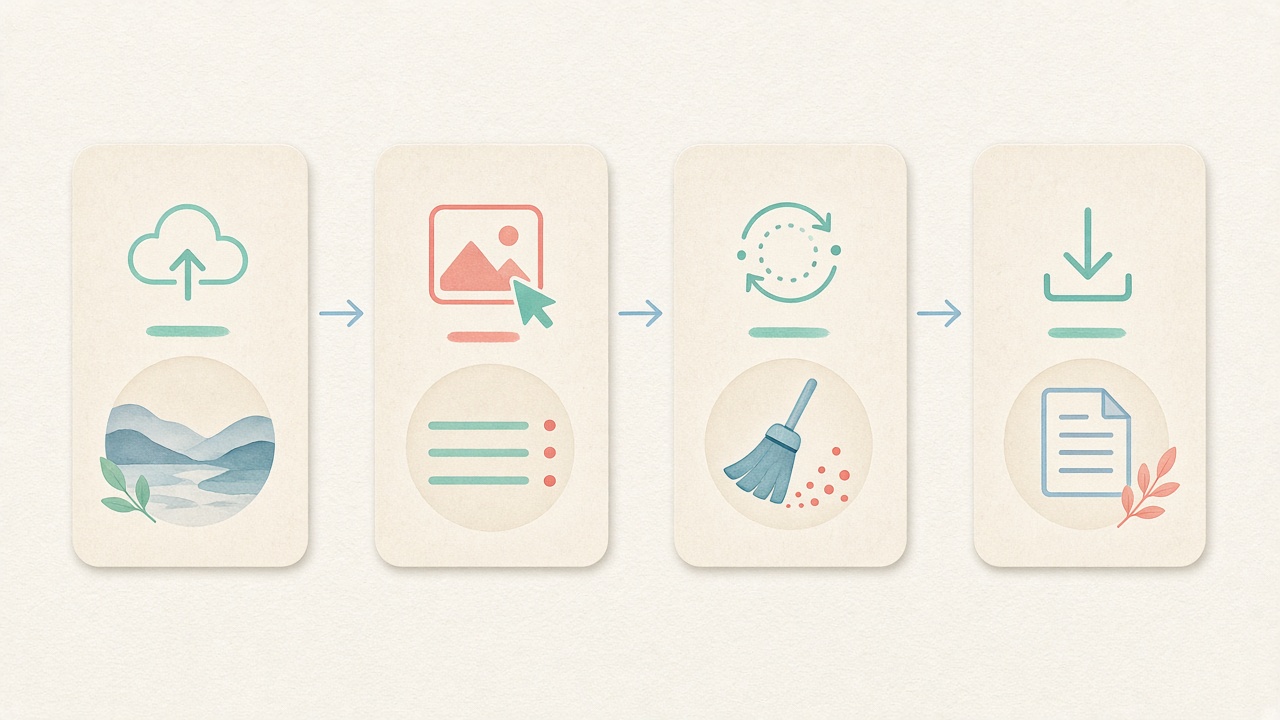
- Step 1
Pick Images or Video in the workspace
Use the embedded workspace on this page to target photo or video Twitter X metadata with no signup. Start twitter x metadata directly inside this page.
- Step 2
Set optional photo fingerprint protection
Keep default pixel-noise protection on for images or uncheck it before cleaning Twitter X metadata. Configure twitter x metadata options before processing.
- Step 3
Drop your thread photos or MP4 clips
Add up to 20 images (or 3 video clips ≤100 MB) to inspect and strip Twitter X metadata locally. Inspect tags before running twitter x metadata locally.
- Step 4
Download clean media for your post
Save your stripped files or ZIP bundle after cleaning Twitter X metadata, ready for your thread or scheduler. Save clean derivatives after twitter x metadata finishes.
Use cases
Who cleans Twitter X metadata before posting

Independent creators & thread writers
Sanitize phone photos, chart exports, and short clips locally so multi-tweet threads carry zero unintended Twitter X metadata.

OSINT researchers & breaking-news journalists
Protect field contributors and source devices by stripping Twitter X metadata from on-the-ground photos and videos before publication.

Brand & social media managers
Clear internal agency usernames, Photoshop XMP histories, and C2PA manifests by cleaning Twitter X metadata prior to scheduling campaigns.

Pseudonymous accounts & privacy advocates
Prevent accidental cross-account correlation from camera serials or home GPS pins by cleaning Twitter X metadata on every upload.

Hardware & software beta testers
Share desk photos and screen recordings safely after running files through our local cleaner for Twitter X metadata.

Community moderators & DM sharers
Clean files before dropping attachments into group DMs or third-party bridges where raw Twitter X metadata might remain intact.
Voices
What people say
Illustrative examples for layout — not verified customer reviews. No star ratings.

Maya R.
Product photographer
“I needed GPS gone before client galleries. Local batch + ZIP is exactly what I wanted.”

Jordan K.
Etsy seller
“Phone photos had home coordinates. Cleaning in the browser means I never upload originals to a random site.”

Alex T.
Social designer
“Clear about C2PA containers vs SynthID. I use Detect first, then Clean — no surprise claims.”

Sam L.
Freelance editor
“Fingerprint protection on by default is nice for reverse-image risk; I turn it off when pixels must stay exact.”

Riley P.
Content creator
“Video and PDF in the same local tool means I am not juggling three upload sites for one launch.”

Casey M.
Marketplace ops
“Batch-cleaning GPS before listing photos is now a fixed checklist step. Free limits cover our small team.”
Related
Related guides & tools
- Open cleaner
Jump to the local Twitter X metadata cleaner workspace.
- Clean metadata
Strip EXIF, GPS, C2PA containers locally.
- Detect markers
Inspect EXIF, GPS, and C2PA containers on-device.
- What is C2PA?
Content Credentials containers explained honestly.
- What is SynthID?
Why metadata tools cannot remove pixel watermarks.
- Instagram metadata
Privacy before you post.
Ready to clean Twitter X metadata locally?
Use the embedded workspace above to strip Twitter X metadata from photos and video clips in your browser — free, private, and with zero server uploads.
FAQ
Frequently Asked Questions About Twitter X Metadata
- Doesn't the platform already strip Twitter X metadata when I post a photo?
- While public timeline transcoders historically stripped many standard EXIF fields, platform features like 4K image loading, C2PA Content Credentials parsing, Direct Message file attachments, and third-party scheduling suites can read or retain header data before public rendering. Cleaning Twitter X metadata locally in your browser ensures sensitive GPS and device tags never even reach those servers. Every twitter x metadata session works offline after page load.
- Which exact tags are removed when I clean Twitter X metadata here?
- For photos, our cleaner removes EXIF camera settings, GPS coordinates, XMP editing histories, IPTC credits, MakerNote serials, and C2PA JUMBF manifests while applying optional pixel fingerprint protection. For MP4, MOV, and WebM clips, it uses local `ffmpeg.wasm` to strip container-level Twitter X metadata such as QuickTime ISO-6709 location pins, creation timestamps, and encoder strings. Running twitter x metadata clears all targeted container blocks.
- Are my unreleased thread graphics uploaded to a server when cleaning Twitter X metadata?
- No, your files never leave your computer or phone. Every step to inspect and clean Twitter X metadata runs locally inside your browser session via HTML5 Canvas, `libraw-wasm`, and `ffmpeg.wasm`, keeping embargoed product shots and private media 100% confidential. Using twitter x metadata preserves visual fidelity on your device.
- Will cleaning Twitter X metadata remove or prevent 'Made with AI' badges on X?
- We never guarantee how X or any other social platform assigns labels or badges. Although stripping C2PA and XMP headers removes file-level provenance containers from your local copy when you clean Twitter X metadata, platforms may also rely on pixel-level signals, account settings, or community reporting. Our twitter x metadata workflow supports modern studio formats.
- Does your cleaner for Twitter X metadata remove Google SynthID watermarks?
- No, stripping Twitter X metadata operates strictly on file headers and container boxes (plus optional light pixel noise for basic hash shifting on photos). It cannot erase frequency-domain pixel or audio watermarks like Google SynthID. Rely on twitter x metadata instead of incomplete OS dialogs.
- How many thread images or video clips can I clean in one batch?
- You can clean Twitter X metadata across up to 20 images or camera RAW files (≤80 MB each) at once in the Images tab and download them as a single ZIP archive. In the Video tab, you can process up to 3 MP4, MOV, or WebM clips (up to 100 MB each) per local pass. We keep twitter x metadata boundaries honest and verifiable.
- Should I keep fingerprint protection enabled when cleaning Twitter X metadata on photos?
- Leaving fingerprint protection checked is great when you want to shift both the binary file checksum and simple perceptual hashes (`pHash`/`dHash`) alongside stripping Twitter X metadata. If you prefer a pixel-exact Canvas re-encode with zero added noise, simply uncheck the box before clicking clean.
- How can I verify that my file has no Twitter X metadata left before I post?
- After downloading your cleaned photo or video clip, click over to our read-only Detect mode and drop the exported file into the inspector. Detect scans the binary headers locally in your browser and confirms that GPS, EXIF, XMP, C2PA, and video container fields are empty.
Privacy utility for files you hold locally. Cleaning Twitter X metadata strips file-level headers in your browser; it does not remove SynthID watermarks and never guarantees how X or any platform labels, ranks, or moderates uploads.