Local browser tool to remove EXIF metadata
Remove EXIF metadata in your browser — free local camera tag cleaner
Need to remove EXIF metadata before publishing client galleries, marketplace listings, or social posts? Every smartphone shot and mirrorless export embeds hidden IFD0, ExifIFD, and MakerNote records detailing your camera body, lens serial number, exposure settings, and exact capture clock. Our browser workspace lets you remove EXIF metadata directly on your device without uploading files to a remote server. You can remove EXIF metadata across individual images or twenty-file batches, inspect embedded fields in read-only mode first, and export clean copies or a single ZIP archive. Every remove exif metadata pass stays 100% local in browser RAM.

Remove AI & privacy metadata from photos
Files never leave your device. JPEG, PNG, WebP, AVIF, HEIC, Camera RAW · free batch up to 20 + ZIP. RAW decodes locally via libraw → clean JPEG (≤80 MB).
or drag and drop here
HEIC / AVIF / Camera RAW decode locally and export as clean JPEG. RAW uses libraw-wasm in your browser (drops container metadata; does not rewrite proprietary RAW bytes).
Fingerprint protection is on by default: cleaned images get a light pixel-level noise (perceptual hash changes; usually invisible). Uncheck it or choose "Preserve original pixels / quality" for a metadata-only strip when possible.
What
What happens when you remove EXIF metadata
Digital cameras and phones write structured binary segments—such as JPEG APP1 blocks, PNG eXIf chunks, and WebP RIFF headers—every time the shutter fires. When you remove EXIF metadata in this local cleaner, the browser strips camera model identifiers, lens focal lengths, ISO sensitivity, shutter speed, flash status, software revision strings, and embedded thumbnail previews. Photographers and privacy-conscious users routinely remove EXIF metadata alongside XMP packets, IPTC studio credits, and GPS coordinates so published derivatives carry only visual pixels. Because you remove EXIF metadata inside a client-side WebAssembly and HTML5 Canvas pipeline, sensitive studio catalogs never cross a network boundary. Using remove exif metadata locally keeps your master files private.
- Remove EXIF metadata for camera body, lens model, and serial number fields
- Remove EXIF metadata capture timestamps, sub-second timers, and time-zone offsets
- Remove EXIF metadata thumbnail previews that retain uncropped framing
- Remove EXIF metadata across JPEG, PNG, WebP, AVIF, and HEIC photo exports
- Optional pixel-noise toggle or lossless pixel preservation when you remove EXIF metadata
- Batch processing for up to 20 photos at once with instant local ZIP download
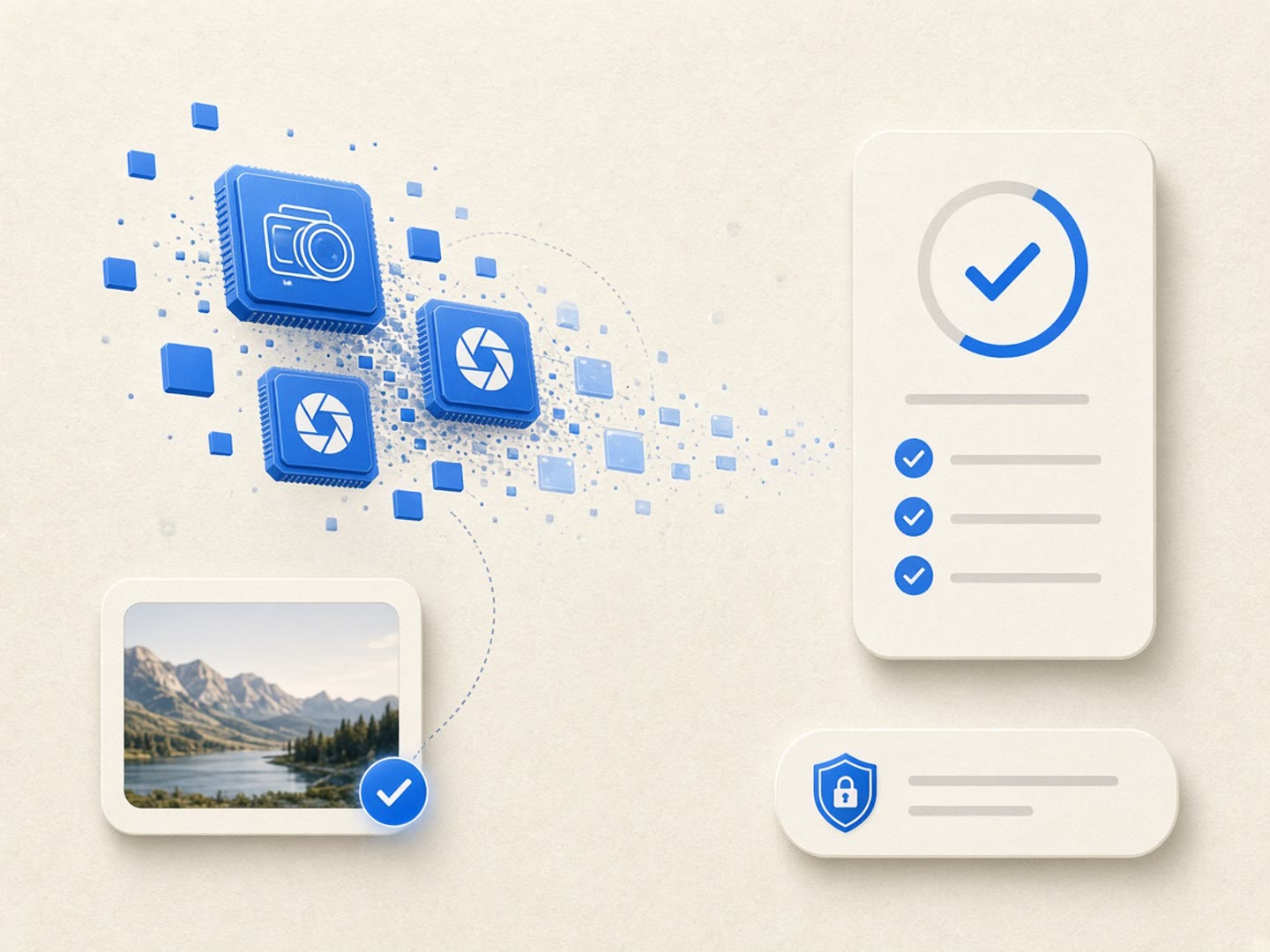
Technical breakdown
Which camera tags disappear when you remove EXIF metadata
Standard camera files organize technical records into Image File Directories (IFD0 for primary image attributes, ExifIFD for exposure parameters, GPSInfo for location coordinates, and vendor MakerNotes for proprietary lens calibration). When you remove EXIF metadata using our browser workflow, those entire directory trees are omitted from the exported file. Many editing suites also duplicate shutter and lens values inside XMP sidecar blocks; our cleaner clears both structures in one pass so you truly remove EXIF metadata rather than leaving redundant XML copies behind. If you ever want to audit which IFD entries exist before cleaning, switch to Detect mode first and then remove EXIF metadata with full confidence.
- Remove EXIF metadata from IFD0 make, model, orientation, and software strings
- Remove EXIF metadata for shutter speed, aperture, ISO, and white balance
- Remove EXIF metadata vendor MakerNote blocks containing lens serial numbers
- Eliminates dual-written XMP camera properties when you remove EXIF metadata
Editorial workflow
When to remove EXIF metadata vs preserve archive masters
Camera clubs and lens review forums occasionally ask contributors to keep exposure tags visible, whereas e-commerce storefronts, journalism desks, and client delivery portals benefit from clean derivatives. The safest studio habit is to archive your untouched master files on an offline drive and remove EXIF metadata only on the web-ready copies you distribute publicly. When you remove EXIF metadata locally in the browser, your original folder stays intact on disk while the downloaded derivative is stripped of identifying gear records. Teams working on shared laptops can remove EXIF metadata without installing command-line utilities or paying for desktop subscriptions.
- Keep archival RAW and master JPEG folders untouched before you remove EXIF metadata
- Remove EXIF metadata on web exports destined for blogs, forums, and press kits
- Remove EXIF metadata preview thumbnails that leak trimmed background details
- Remove EXIF metadata and GPS coordinates together in a single browser pass
Why
Why remove EXIF metadata locally in the browser

Zero server uploads when you remove EXIF metadata
Traditional online strippers upload your private photos to cloud queues before returning a file. Here you remove EXIF metadata entirely inside local browser memory so unreleased product shots and family albums stay on your hardware. Choose remove exif metadata for zero cloud uploads.
Complete IFD, MakerNote, and XMP cleanup
Some basic scripts only blank out the camera model string while leaving lens serials inside vendor MakerNotes. When you remove EXIF metadata here, the output file is rebuilt without legacy APP1, XMP, or IPTC segments. Run remove exif metadata for thorough binary container hygiene.
Transparent scope and pixel control
We state clearly what happens when you remove EXIF metadata: container tags and camera fields are stripped, while invisible pixel watermarks like SynthID remain untouched. You also control whether light perceptual-hash noise is applied or disabled. Trust remove exif metadata for transparent technical boundaries.
Fast multi-file batch ZIP workflow
Dropping twenty high-resolution photos into the workspace lets you remove EXIF metadata across an entire shoot in seconds, with individual file downloads or a single bundled ZIP archive ready immediately. Execute remove exif metadata in fast multi-file browser batches.
How
How to remove EXIF metadata step by step
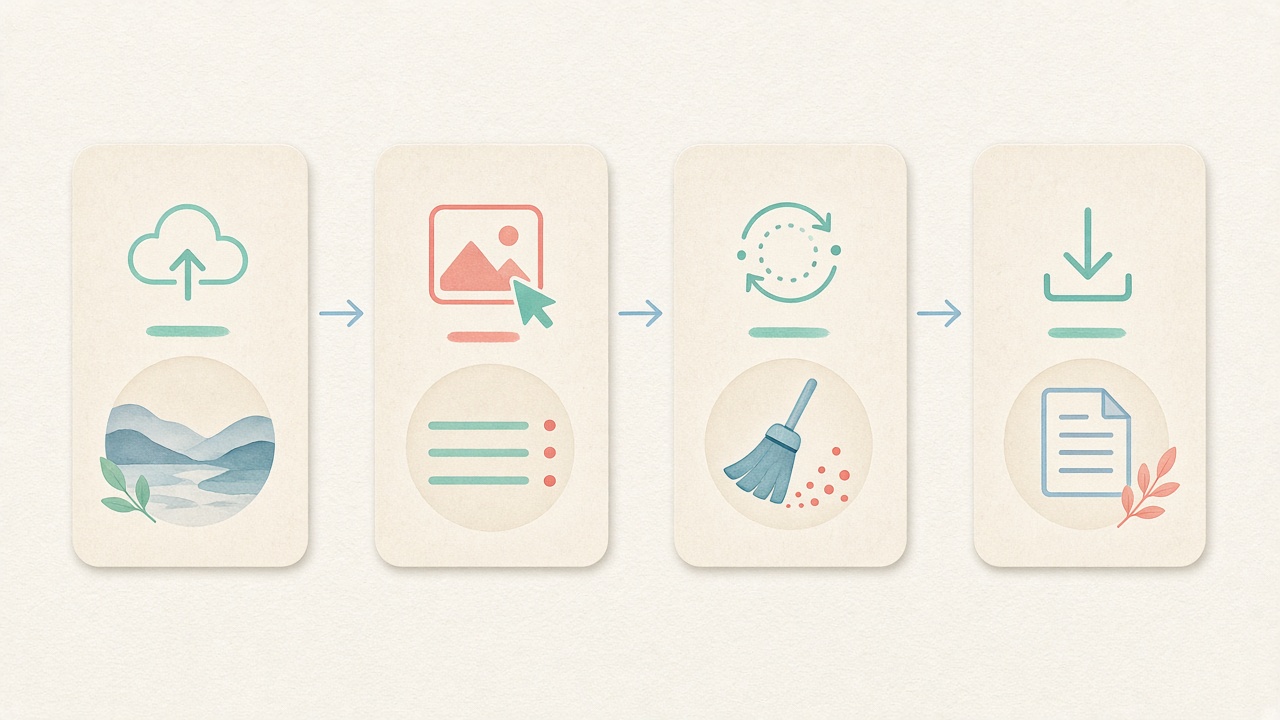
- Step 1
Launch the local image workspace
Scroll to the embedded tool on this page to remove EXIF metadata right away with no account registration, email wall, or software installation. Start remove exif metadata directly inside this page.
- Step 2
Select pixel handling preferences
Decide whether to keep the default light pixel-noise option active or uncheck it for a strict container-only pass when you remove EXIF metadata. Configure remove exif metadata options before processing.
- Step 3
Drop photos and inspect embedded tags
Drag up to twenty JPEG, PNG, WebP, AVIF, HEIC, or RAW files into the browser queue and review detected camera fields before you remove EXIF metadata. Inspect tags before running remove exif metadata locally.
- Step 4
Export clean derivatives or a ZIP bundle
Run the cleaner to remove EXIF metadata locally, verify the stripped byte summary, and save your clean images individually or as a single ZIP package. Save clean derivatives after remove exif metadata finishes.
Use cases
Who needs to remove EXIF metadata before sharing

Commercial photographers & retouchers
Agencies often prefer not to disclose exact lighting setups, tether software versions, or body serial numbers to competitors. Studio teams remove EXIF metadata on client delivery copies while keeping original capture logs archived internally.

Secondhand & e-commerce sellers
Smartphone product photos capture home coordinates, device models, and exact timestamps in the same header block. Sellers remove EXIF metadata before uploading listings so buyers only see the item itself.

Journalists & OSINT researchers
Field photos can inadvertently reveal contributor hardware, local time zones, or editing software paths. Newsrooms remove EXIF metadata from source imagery prior to publication to protect contributor operational security.

Designers & web performance teams
Embedded color profiles, camera thumbnails, and verbose XMP history logs can add tens of kilobytes to small UI thumbnails. Front-end teams remove EXIF metadata to trim payload weight and standardize web assets.

AI artists & hybrid creators
Hybrid workflows that combine camera plates with generative inpainting often leave mixed software tags and C2PA manifests. Creators remove EXIF metadata and container markers locally to deliver a uniform final image.

Everyday privacy-minded sharers
Posting family photos to public forums or community boards should not broadcast which phone model you carry or when you were away from home. Anyone can remove EXIF metadata in seconds before posting.
Voices
What people say
Illustrative examples for layout — not verified customer reviews. No star ratings.

Maya R.
Product photographer
“I needed GPS gone before client galleries. Local batch + ZIP is exactly what I wanted.”

Jordan K.
Etsy seller
“Phone photos had home coordinates. Cleaning in the browser means I never upload originals to a random site.”

Alex T.
Social designer
“Clear about C2PA containers vs SynthID. I use Detect first, then Clean — no surprise claims.”

Sam L.
Freelance editor
“Fingerprint protection on by default is nice for reverse-image risk; I turn it off when pixels must stay exact.”

Riley P.
Content creator
“Video and PDF in the same local tool means I am not juggling three upload sites for one launch.”

Casey M.
Marketplace ops
“Batch-cleaning GPS before listing photos is now a fixed checklist step. Free limits cover our small team.”
Related
Related guides & tools
- Open cleaner
Jump to the local workspace to remove EXIF metadata.
- Clean metadata
Strip EXIF, GPS, C2PA containers locally.
- Detect markers
Inspect EXIF, GPS, and C2PA containers on-device.
- What is C2PA?
Content Credentials containers explained honestly.
- What is SynthID?
Why metadata tools cannot remove pixel watermarks.
- Instagram metadata
Privacy before you post.
Ready to remove EXIF metadata locally?
Use the embedded workspace above to remove EXIF metadata, camera serials, and GPS coordinates in your browser — free, private, and with batch ZIP download.
FAQ
Frequently Asked Questions About How to Remove EXIF Metadata
- Can I remove EXIF metadata without uploading my photos to a server?
- Yes, you can remove EXIF metadata completely offline inside your browser session after this page loads. All binary parsing and image reconstruction happen in local device memory using HTML5 Canvas and WebAssembly modules. Your original photographs are never transmitted to our servers or stored in any cloud bucket. Every remove exif metadata session works offline after page load.
- When I remove EXIF metadata, does that also strip GPS location coordinates?
- Yes, latitude, longitude, altitude, and compass bearing are stored inside the GPSInfo sub-directory of the EXIF block. When you remove EXIF metadata with our cleaner, those location tags are stripped in the exact same pass alongside XMP and IPTC fields. You do not need to run a separate tool to clear map coordinates from your photos. Running remove exif metadata clears all targeted container blocks.
- Does choosing to remove EXIF metadata reduce visual image quality or resolution?
- Pixel dimensions and visual sharpness remain intact when you remove EXIF metadata in the browser. By default, our image workflow applies an imperceptible pixel-level noise layer to shift perceptual hashes, which you can toggle off with one click whenever you want a pure container strip. Disabling that toggle ensures you remove EXIF metadata while keeping pixel values as faithful as the output format allows. Using remove exif metadata preserves visual fidelity on your device.
- Which image formats are supported when I need to remove EXIF metadata?
- You can remove EXIF metadata from standard JPEG, PNG, and WebP files as well as modern AVIF and Apple HEIC photographs. For HEIC, AVIF, and Camera RAW files (such as DNG, CR2, NEF, and ARW), the browser decodes the image locally and exports a clean, high-quality JPEG free of camera headers. Proprietary RAW master files are never overwritten in place on your drive. Our remove exif metadata workflow supports modern studio formats.
- Why do some photos still show camera info after using basic OS property editors?
- Built-in operating system dialogs often blank only a handful of surface IFD0 fields while leaving vendor MakerNotes, embedded JPEG thumbnails, or duplicate XMP camera tags untouched. When you remove EXIF metadata in our workspace, the cleaner strips the entire APP1 segment, PNG eXIf chunk, and XMP packet so hidden serial numbers and exposure logs cannot linger in secondary blocks. Rely on remove exif metadata instead of incomplete OS dialogs.
- Will my attempt to remove EXIF metadata also erase SynthID or invisible pixel watermarks?
- No, choosing to remove EXIF metadata only clears file-level header containers and structured tag dictionaries. Frequency-domain or learned pixel watermarks such as Google SynthID are woven directly into the color values of the image and cannot be stripped by any header cleaner. We maintain strict product honesty so you know exactly what container cleaning accomplishes. We keep remove exif metadata boundaries honest and verifiable.
- How many files can I process at once when I batch remove EXIF metadata?
- The free browser workspace lets you remove EXIF metadata from up to twenty images per batch with no account or subscription required. Once the local queue finishes processing, you can download each cleaned photo individually or grab a single consolidated ZIP archive. If you have larger studio folders, simply run additional twenty-file batches back to back.
- How can I verify that my file is clean after I remove EXIF metadata?
- After you remove EXIF metadata and download the cleaned derivative, you can switch to our read-only Detect tab and drop the new file back into the inspector. Detect mode scans the binary structure locally and confirms that EXIF camera tags, GPS coordinates, XMP blocks, and C2PA containers are absent. This gives you verifiable proof before you publish or deliver the image.
Privacy utility for files you hold locally. Choosing to remove EXIF metadata strips header containers and camera fields; it does not remove SynthID or pixel watermarks, does not perform cryptographic C2PA validation, and never guarantees platform labeling behavior.